
Public website
apps/website is the public Stream Pulse website: features, screenshots,
pricing and FAQ. It is a React page that a small Node.js server renders up
front, so it is readable without JavaScript and indexable by search engines.
The browser bundle then makes it interactive (screenshot tabs, mobile menu).
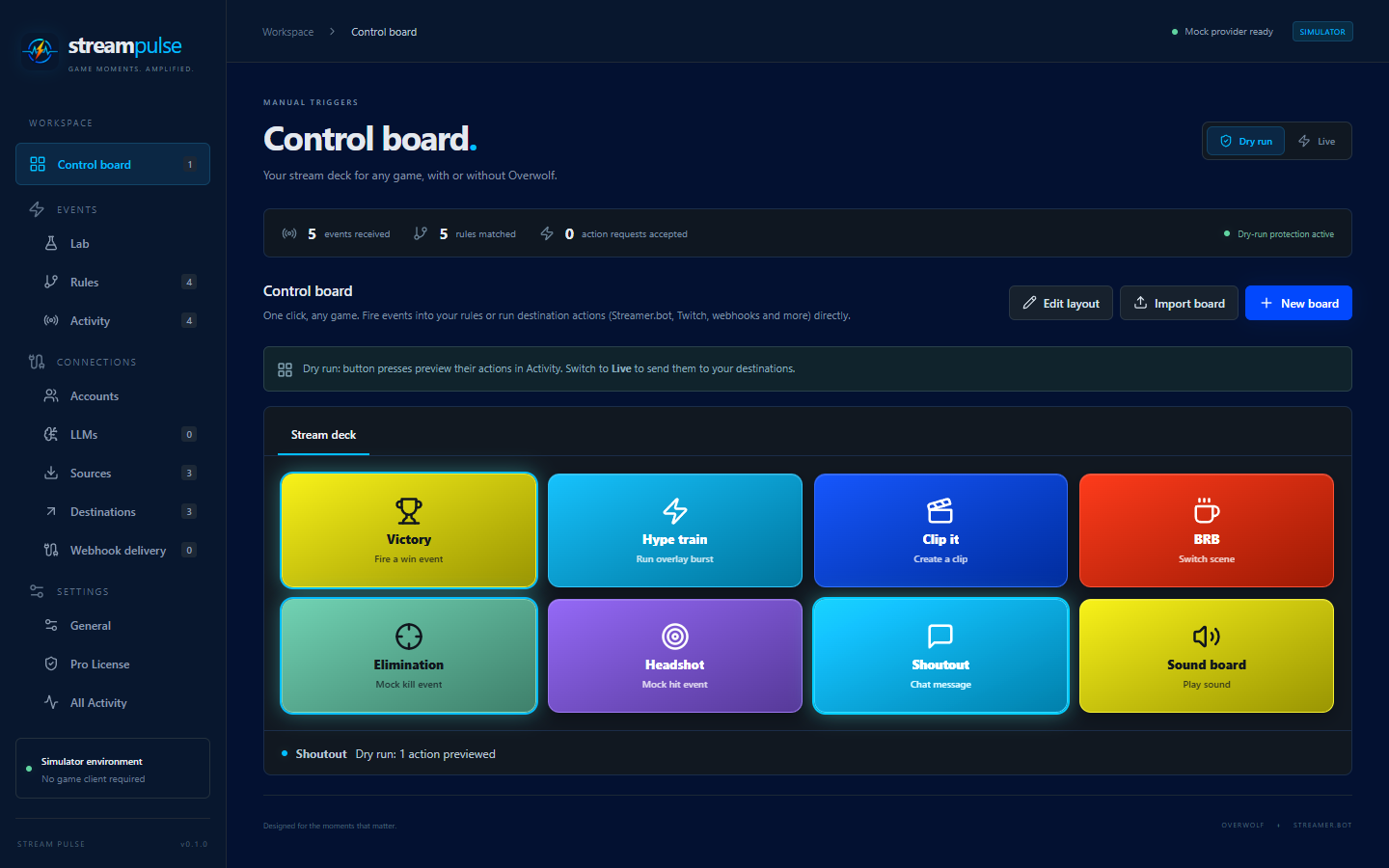
The site uses the app’s brand palette (navy background, cyan and blue
accents, yellow highlights) and the Stream Pulse logo. Marketing copy, the
feature list, plans and FAQ live in apps/website/src/content.ts.
The website is hosted at https://stream-pulse.cloud and links to
https://docs.stream-pulse.cloud. The documentation container
uses the same brand styling and runs alongside the website on proxy-tier.
Pricing
StreamPulse Pro pricing is not final, so the Pro plan shows Coming soon
with no price, and a notice explains that nothing can be purchased yet. Update
plans, pricingNotice and purchaseChannels in content.ts when pricing is
announced. See StreamPulse Pro for what Pro unlocks.
Screenshots
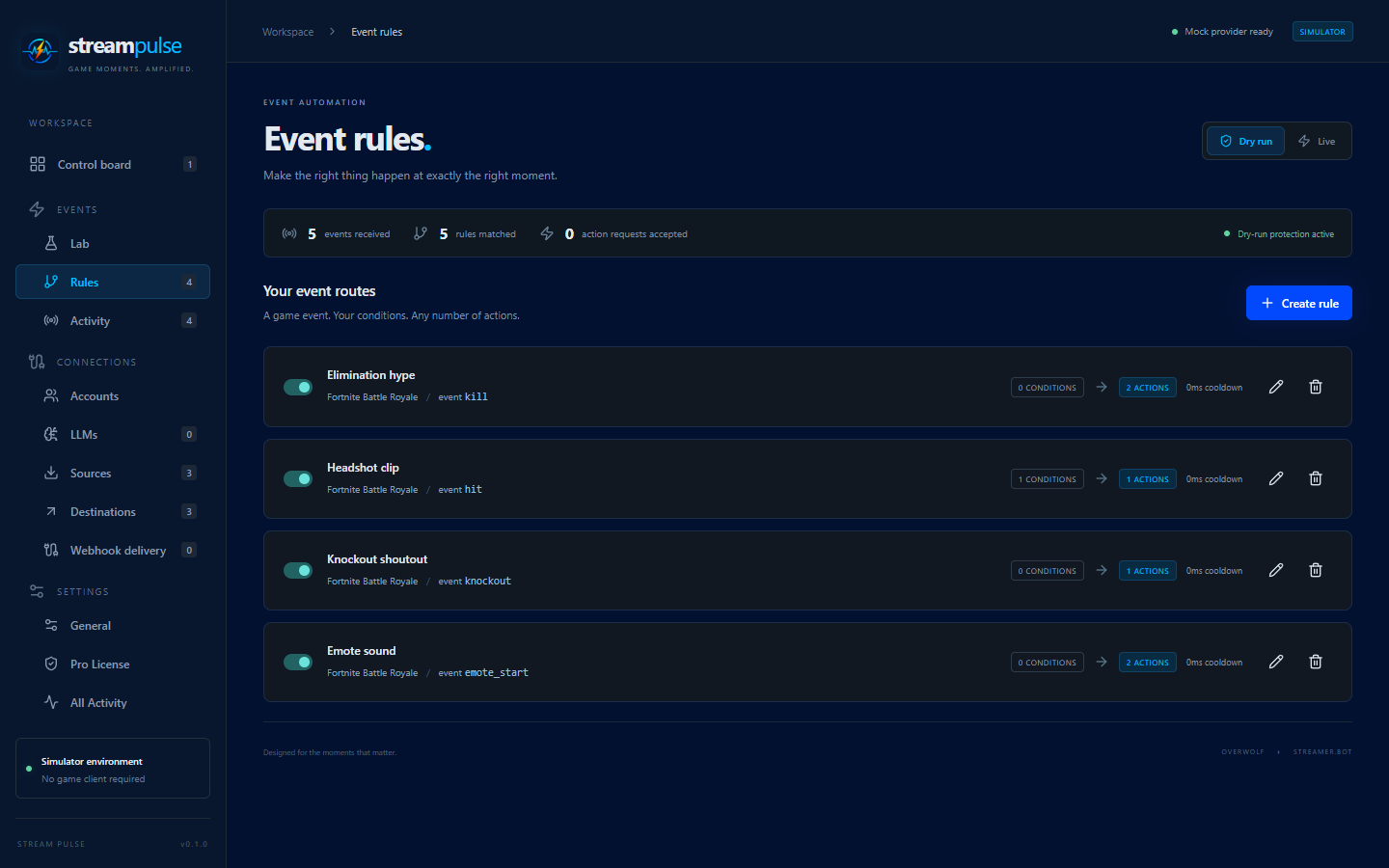
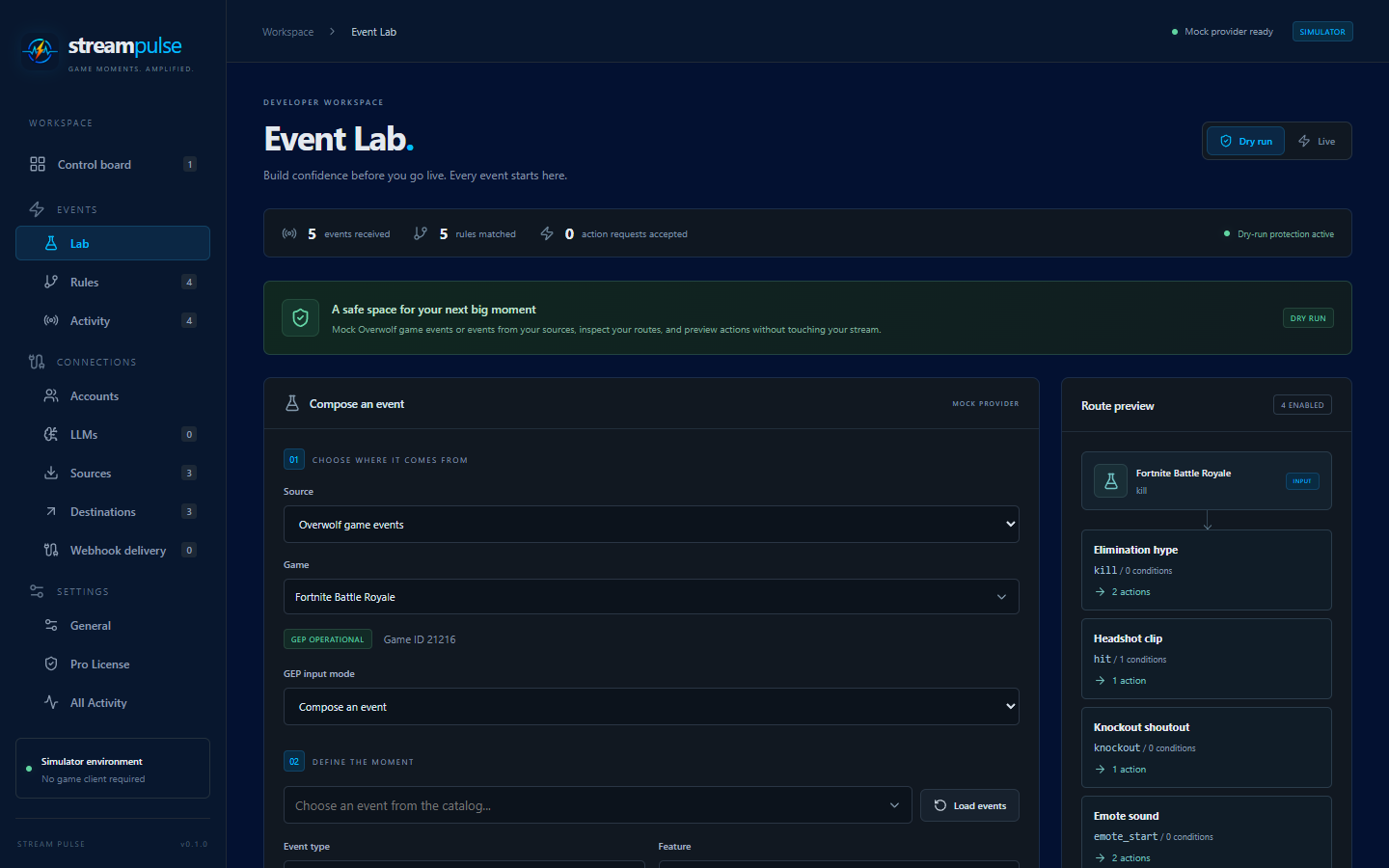
The screenshots in docs/assets/images/website/ come from the standalone
simulator with synthetic configuration (no real accounts or credentials). The
build copies them into the site under images/. To add one, save the PNG there
and add an entry to screenshots in content.ts. A test fails if a
referenced screenshot is missing.
| Rules | Event Lab |
|---|---|
 |
 |
Run and build
| Goal | Command |
|---|---|
| Develop with hot reload | pnpm dev:website (http://127.0.0.1:5180) |
| Production build | pnpm build:website (writes dist/website) |
| Serve the production build | pnpm start:website (http://127.0.0.1:8080) |
| Container image | task website:docker IMAGE=stream-pulse-website:local |
The server reads PORT (default 8080) and HOST (default 127.0.0.1; the
container uses 0.0.0.0). It loads the built files into memory at startup and
serves only those, answers GET/HEAD only, exposes /healthz and
/robots.txt, and sends a strict Content Security Policy with no inline
scripts or styles.
Container image
task website:docker IMAGE=stream-pulse-website:local
# or: docker build -f apps/website/Dockerfile -t stream-pulse-website:local .
docker run --rm -p 8080:8080 stream-pulse-website:local
Build from the repository root. The image runs as the non-root node user on
port 8080 with a /healthz health check. The Website image GitHub workflow
builds it for pull requests and publishes ghcr.io/<owner>/stream-pulse-website
(latest and the commit SHA) from main. Like the
gateway image, it ships with BuildKit
provenance and an SBOM attached to the image index. Inspect its provenance with:
docker buildx imagetools inspect ghcr.io/<owner>/stream-pulse-website:latest --format ''