
Rules
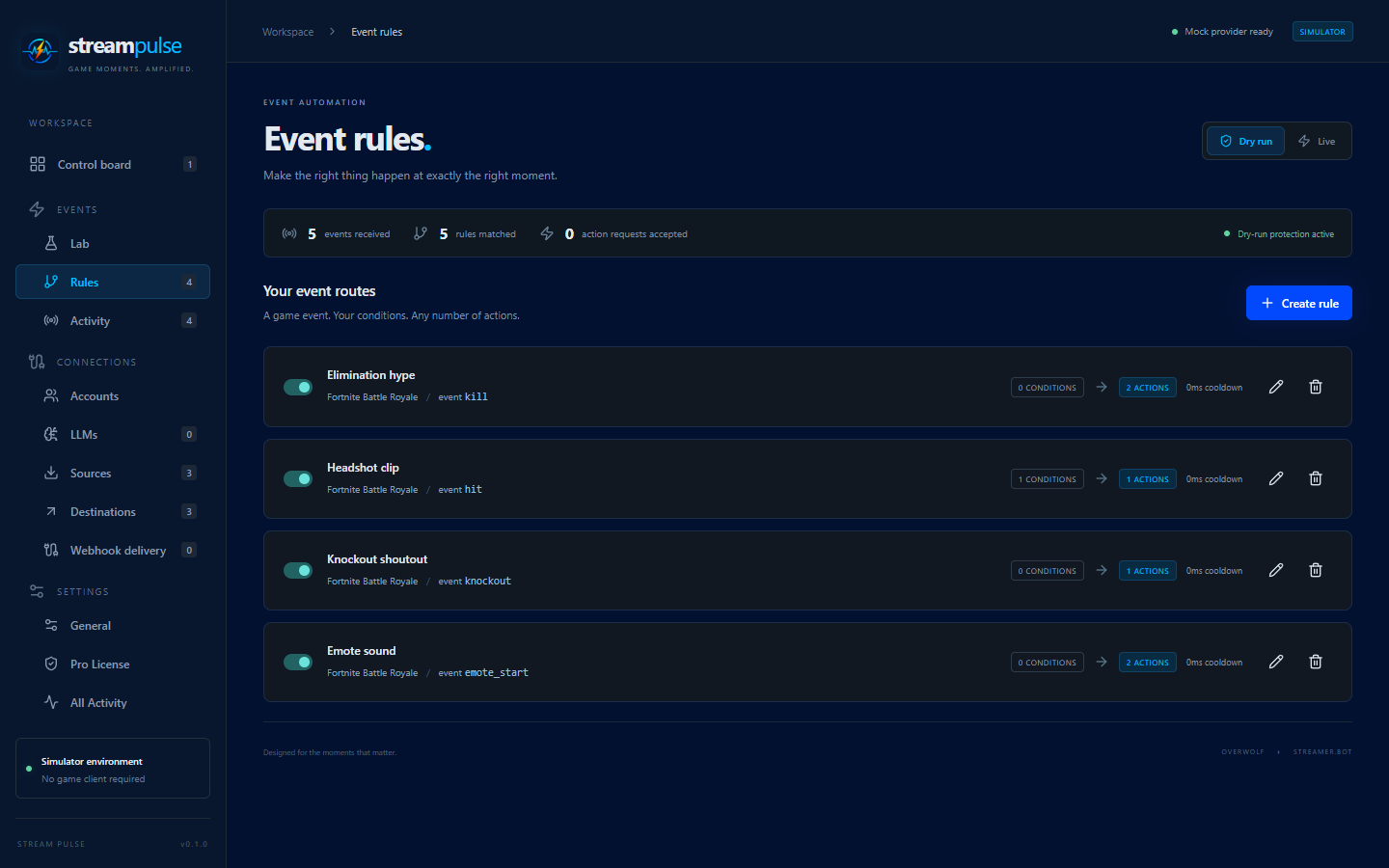
Rules live under Events > Rules. Each rule belongs to a game (or source), matches events, and runs an ordered list of actions on destinations.
Matching
- Multiple rules per game; every matching enabled rule runs.
- A rule matches the event type and name. Info updates also match the feature and an optional category.
- GEP game events do not include a feature name, so live event names are matched within the current game. The simulator reproduces that shape.
Conditions
- Conditions are ANDed. Choose Add condition, then a field, a comparison and a value.
- For well-known events (currently Twitch EventSub events) the field list offers friendly names such as Channel, Chatter or Message, so you do not need to know the payload. Channel with is one of shows the channels your Twitch sources listen to as checkboxes; type others and press Enter.
- Custom field path… accepts any path relative to the normalized event,
for example
data.kills, with a JSON value. Comparisons are is (eq), is not (neq), is one of (in, a JSON array), greater/less than, contains, and is present (exists). - Numeric comparisons require JSON numbers;
"3"is not3. - System One conditions can evaluate templated event context and gate a rule using typed model answers.
Normalized GEP data
- Serialized GEP data is parsed as JSON when valid; plain strings remain strings.
- Each info category/key becomes a normalized info event. Reset values such as
nullare preserved; filter them using conditions if needed.
Actions
- Multiple actions run sequentially, with an optional delay before each action.
- A failed action stops the remaining actions in that rule; other matching rules continue.
- Action arguments and custom messages support templates.
- Action requests are never retried automatically. After a timeout, the remote action may already have run.
Cooldowns
A cooldown starts when a rule matches, including failed executions. Matches during the cooldown are ignored.
Deleted references
Deleting a destination, source, account or LLM profile asks for confirmation. If rules or Control board buttons use it, the dialog lists them and you must type the item’s name to confirm. Those rules and buttons are kept and marked Needs attention; their broken actions or conditions fail when run until you pick a replacement. Editors refuse to save a rule or button that still points at a deleted destination or LLM profile.
Queueing
- Events are processed in arrival order, with a bounded 100-event pending queue. Queue overflow is reported explicitly. Avoid routing every high-frequency location update through long action sequences.
- Configuration and mode changes are blocked while events are queued. Dry-run events cannot become live while waiting.
Activity
- Events > Activity lists each event that matched a rule, with its game and the actions it triggered. Re-trigger replays the event through the rules and adds the new run to the list.
- Settings > All Activity is the full log, including mapped arguments.